 Plan2Real
Paper plan · full scale · augmented reality
Walk through your plan before you build.
Plan2Real turns a photo of a paper plan into a plan laid on the floor, at full scale, with your iPhone's augmented reality. See the real size of rooms, hallways and doors in minutes, with no web portal and no drawing software.

Your plan at full scale
A word on accuracy. Plan2Real is a visualization tool, for guidance only: it does not replace a land surveyor or an official layout plan. Over large areas, augmented reality can drift by a few centimetres; aligning on two real landmarks (stakes, corners) is there to correct it. To check, the screen shows the A–B dimension: measure it with a tape.
How it works
From paper to floor in six steps
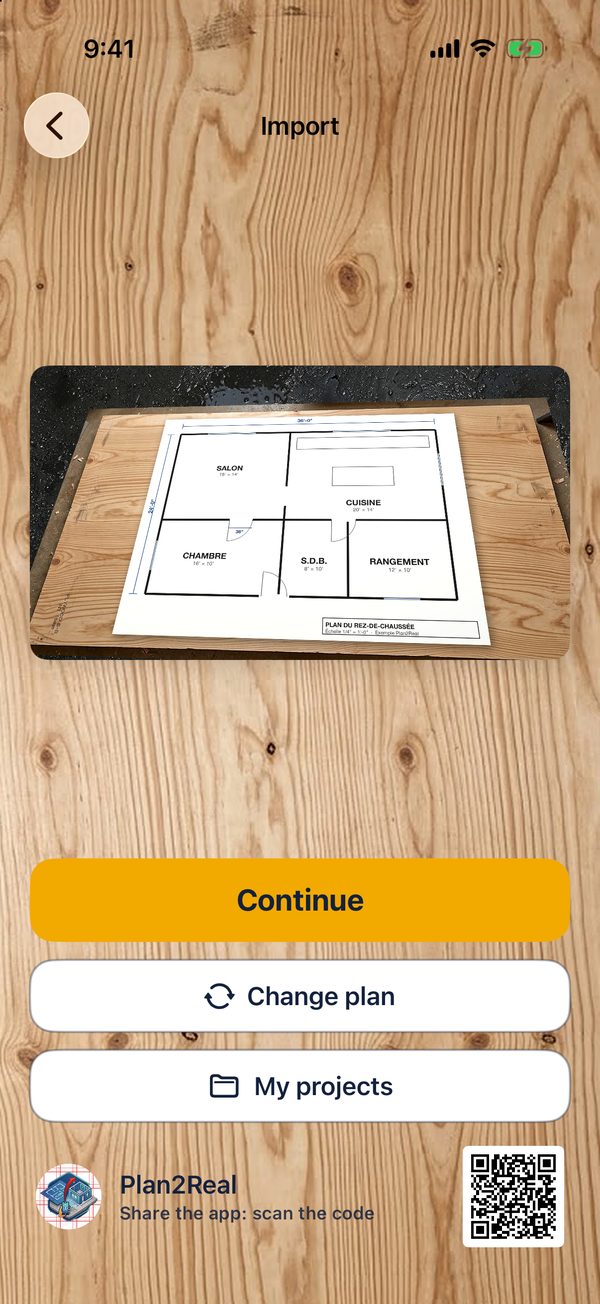
Photograph the plan
Full-resolution camera (up to 48 MP), an image from Photos or a PDF.
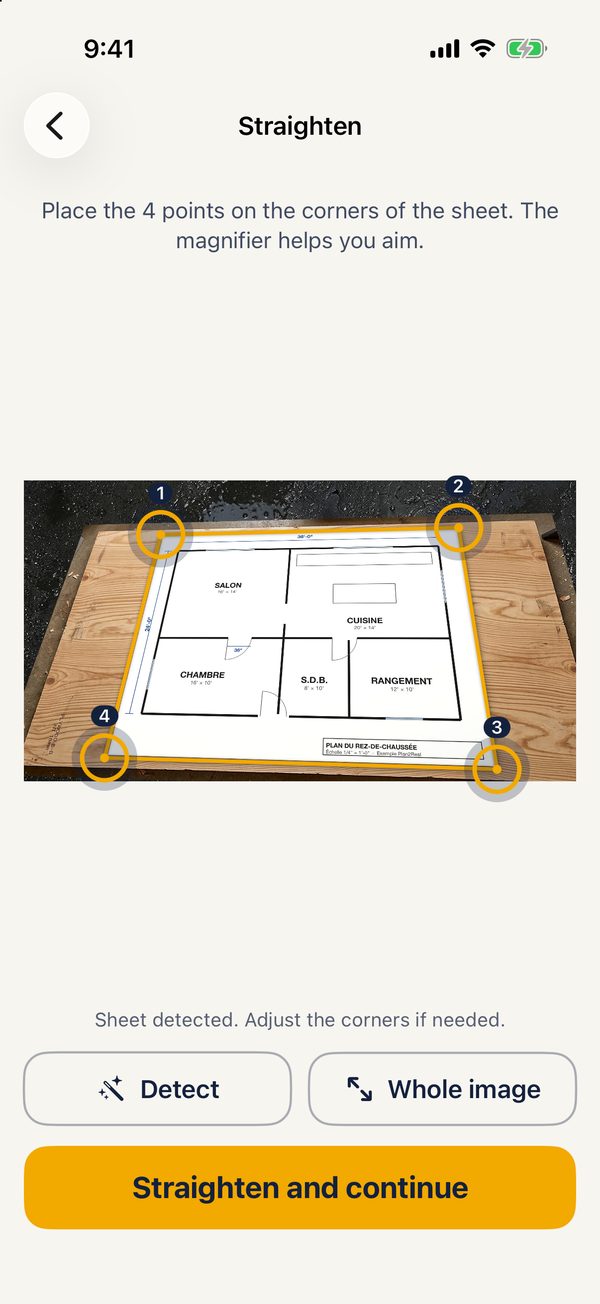
Straighten the sheet
The 4 corners are detected; fine-tune them with the magnifier. True proportions are restored.
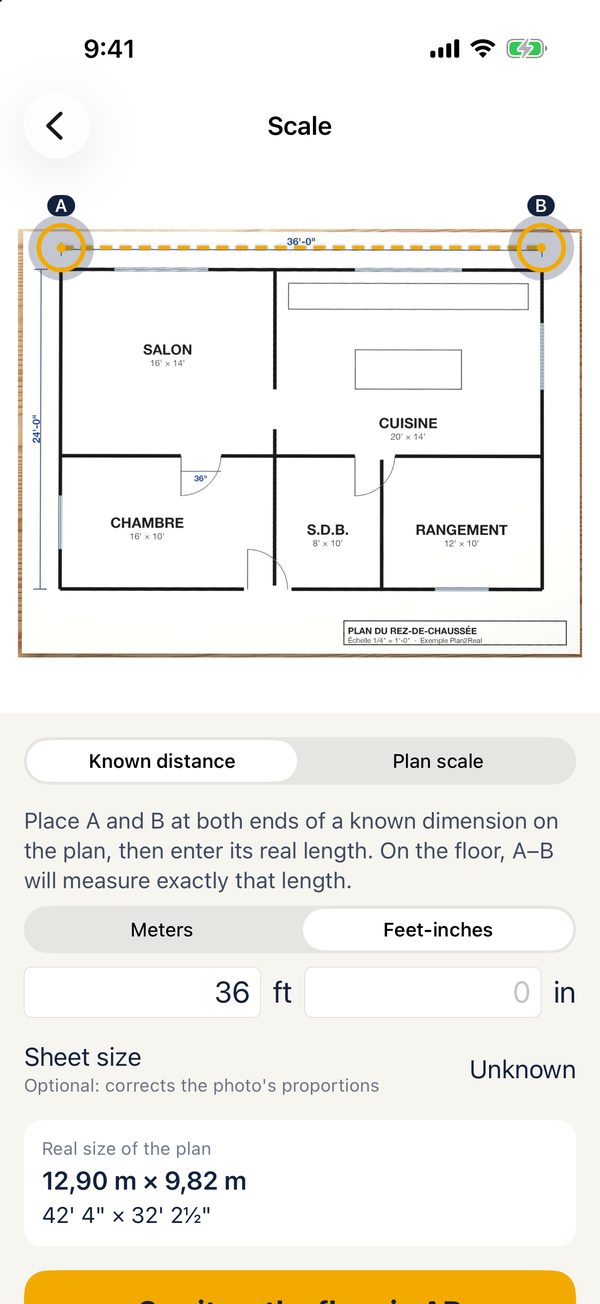
Set the scale
Place A and B on a known dimension and enter its length, or pick 1/4" = 1', 1:50…
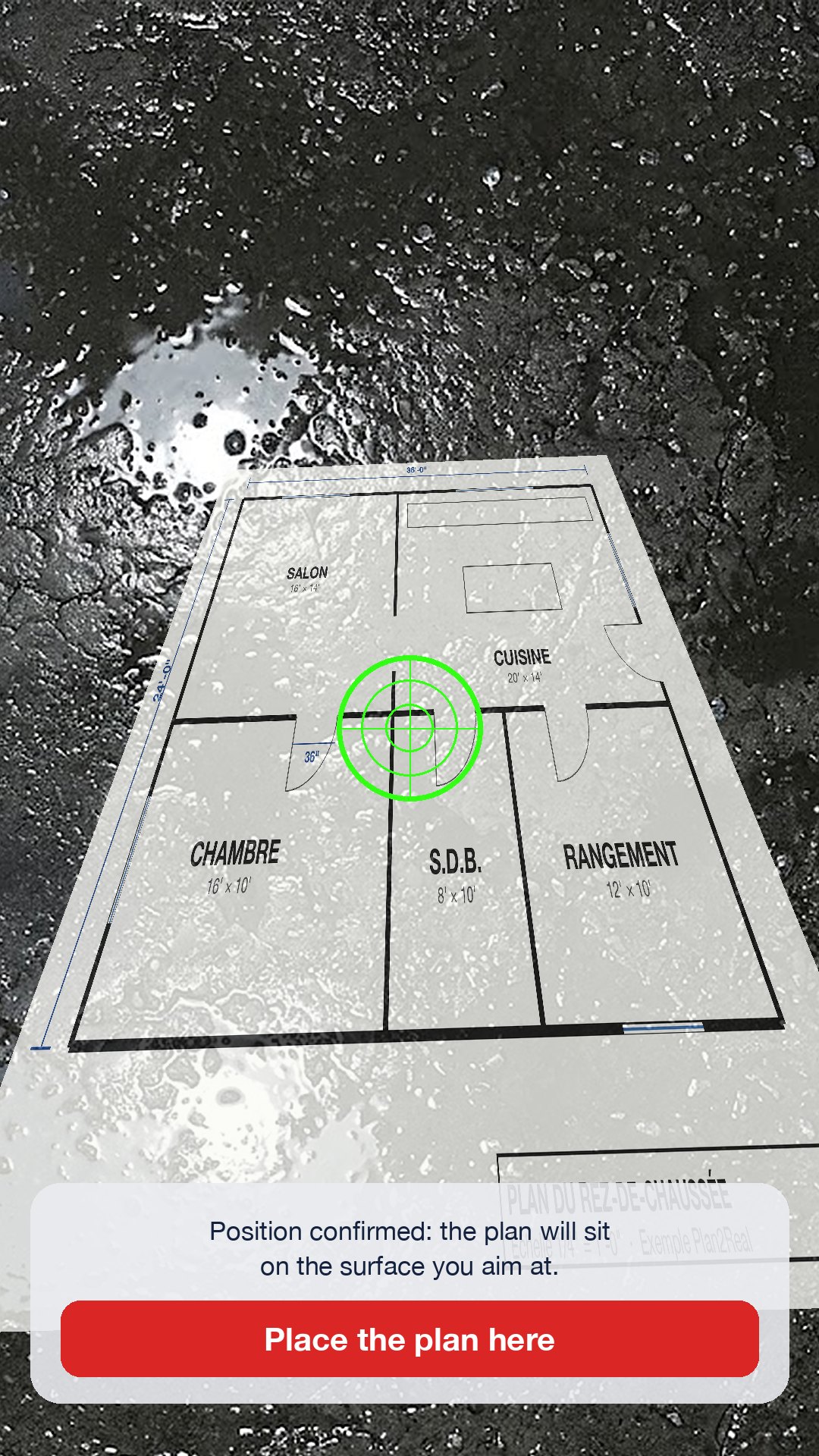
Aim at the floor
The target turns green once the floor position is confirmed, as in SITE DIM.
Place and adjust
Move, rotate, raise or lower the plan, fine-tune the scale with your fingers, then lock it.
Walk and share
Measure between two points, take a photo or video, save the project.
Screenshots
The app in pictures

Built for the job site
Who it's for
Contractors
Show clients the real size of an addition, check a garage or deck layout before ordering concrete.
Residential and commercial clients
Finally understand the plan: walk through the future kitchen, see if the hallway is wide enough, place your furniture.
Designers and architects
Present a sketch right on site, in minutes, with no mock-up or 3D model.
Ready to see your plan for real?
Plan2Real is on the App Store, for iPhone with iOS 17 or later.
See the download page